
CAPABILITIES / 003
One workflow. Many kinds of media.
Honeymelon desktop converts files on your own computer. Available encoders, formats and advanced settings depend on your platform and installed release. Check the output before deleting your original.
Images
Work with common image formats, including PNG, JPEG and WebP where supported. Format conversion can affect transparency, metadata and visual quality.
Audio
Convert audio files or extract an audio track from supported video sources. Codec support and output quality settings are not universal.
Video
Change supported video containers and encoding settings with the native desktop engine. Larger workloads can take time and disk space.
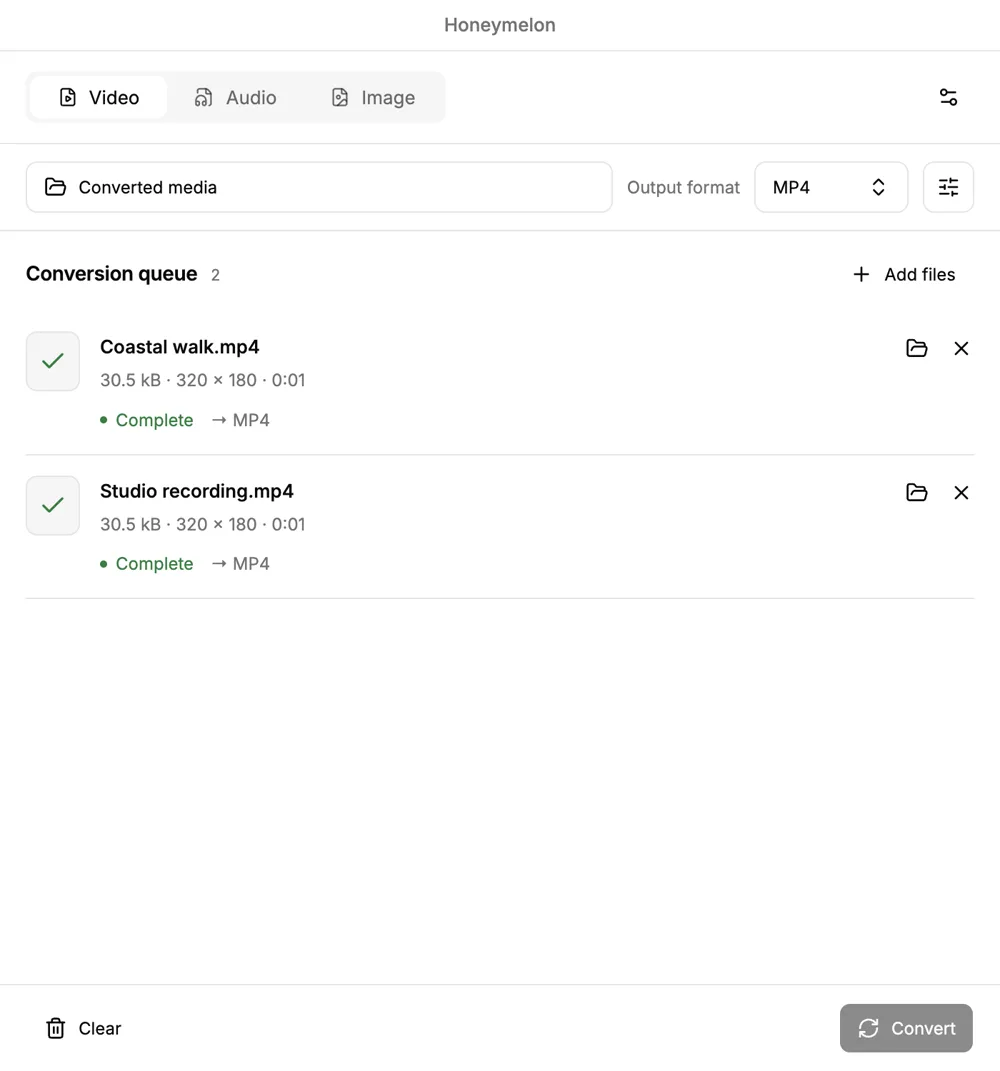
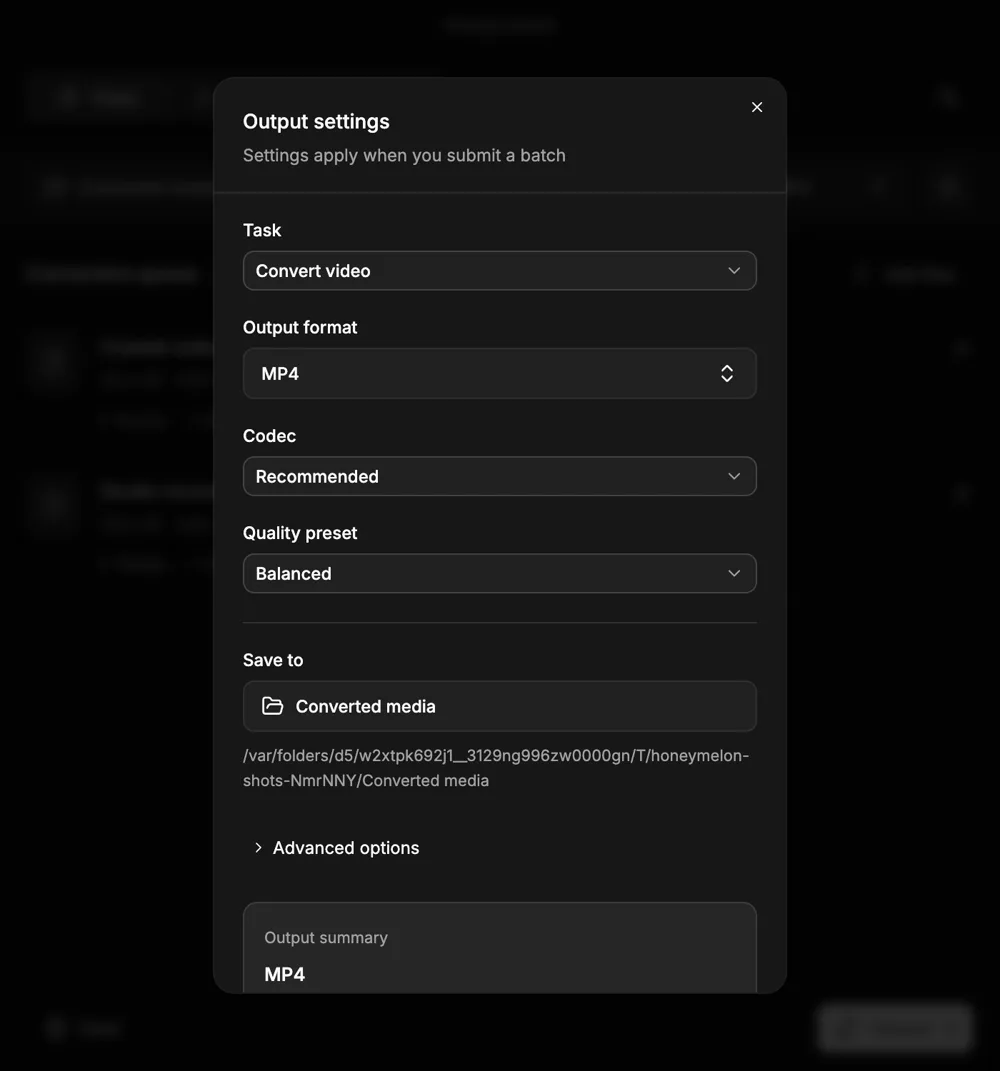
A look inside Honeymelon
Desktop development previews from the project repository. Your installed release and operating system may look different.
Desktop or browser?
Desktop is the available product for local conversion today. Honeymelon Web is planned, but there is no live browser converter yet. Browser codec coverage and performance may differ from native builds.